How to Write AI Image Prompts
A practical guide to composition, lighting, style, and camera language. A prompt is not a pile of keywords—it is a visual instruction the model can execute.
The short answer: clarity matters more than complexity
Official guidance from OpenAI, Google Imagen, and Adobe Firefly converges on one idea: an effective image prompt does not need to be extremely long. State the purpose, subject, action or state, environment, and visual style. Add composition, lighting, text, or constraints when they matter.
OpenAI Academy recommends starting with one to three clear sentences, then making targeted revisions one element at a time.
A universal image prompt formula
This is not a mandatory syntax for every model. It is a writing framework for organizing visual information. Model-specific weighting, parameters, negative prompts, and reference-image controls vary.
Purpose
State what the image needs to accomplish: product hero image, magazine cover, social post, concept design, or storyboard. Purpose affects negative space, subject scale, text placement, and aspect ratio.
Example: ecommerce hero image with clear space at the top for a brand headline.
Subject
Define the most important person, object, or scene. Add quantity, identity, appearance, material, color, clothing, or age—observable details instead of vague words such as beautiful or premium.
Example: a young woman in emerald-green hanfu; a matte-black ceramic perfume bottle.
Action and state
Describe what the subject is doing or how it is posed, including expression, gaze, gesture, direction, and relationships. Still images still benefit from standing, holding, and looking.
Example: holding a paper umbrella, standing in profile, looking into the distance.
Environment
Set the location, time, weather, season, background, and foreground. Environment is more than background: it defines spatial relationships and narrative mood.
Example: a misty mountain stream at dawn, with pine trees, rocks, and layered peaks.
Composition and camera
Choose shot scale, camera angle, and framing. Shot scale controls distance; camera angle controls perspective; rule of thirds, leading lines, and negative space organize the frame. Choose one or two primary directions.
例:medium shot · three-quarter view · low-angle composition · rule of thirds
Lighting
Write lighting as source type + direction + quality + effect instead of relying on a vague phrase such as cinematic lighting.
Example: soft window light from the left, subtle rim light, gentle shadows, clear subject separation.
Color palette
Describe dominant, supporting, and contrasting colors plus the overall grade. Keep color, lighting, and purpose consistent.
Example: muted jade green and warm vermilion with soft golden highlights.
Style or medium
Break broad style labels into medium, texture, and visual properties, such as cinematic composition, volumetric haze, shallow depth of field, and controlled grading.
例:35mm film photography · Chinese ink-wash fantasy · clean line art
Details and constraints
Add material, texture, depth of field, embroidery, product reflections, or background layers. Also state text rules, aspect ratio, exclusions, and edit boundaries. Details should support the subject rather than overload the prompt.
例:delicate silk texture, subtle film grain, no text, no watermark, no extra people; change only the background.
A complete example
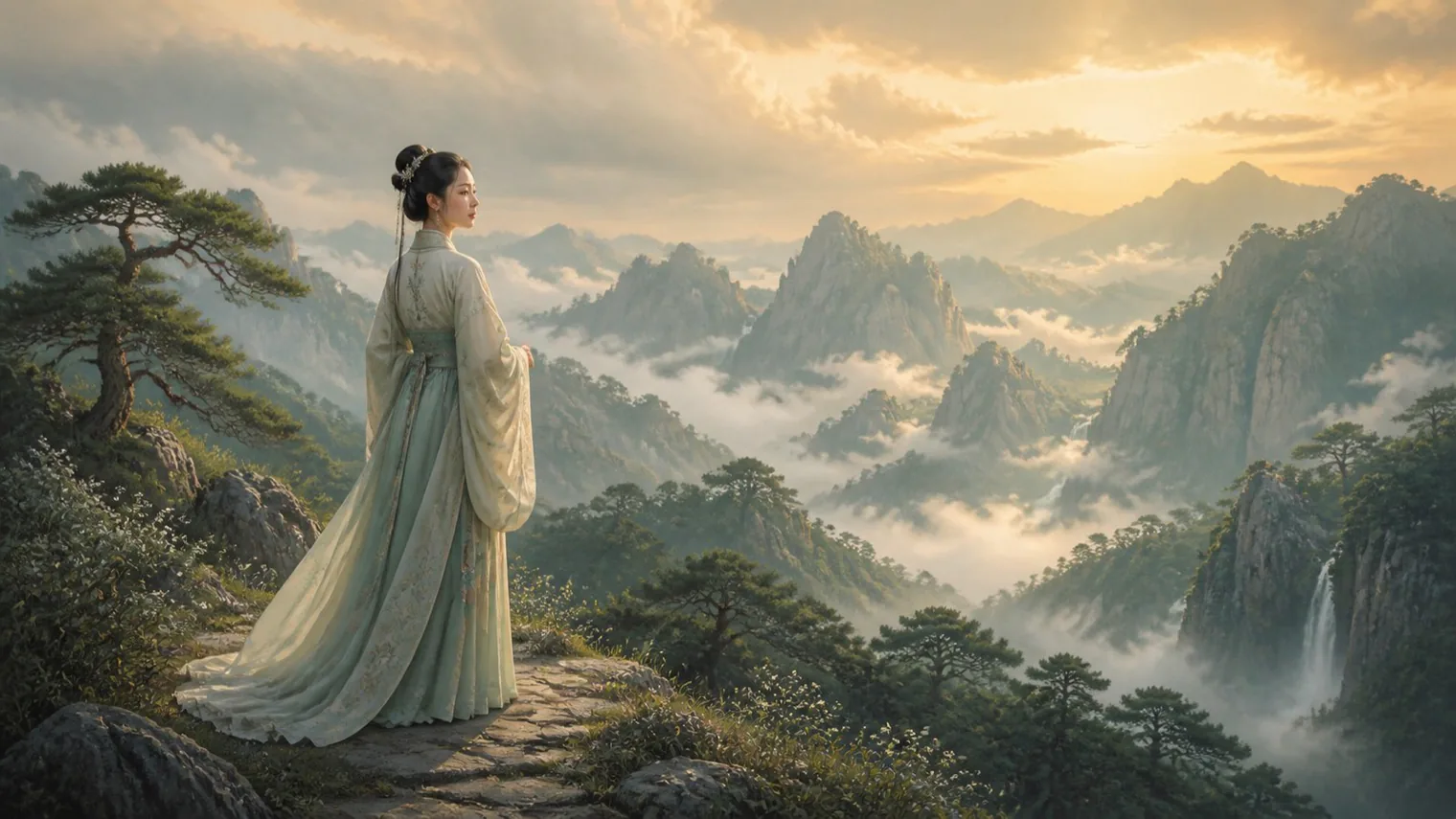
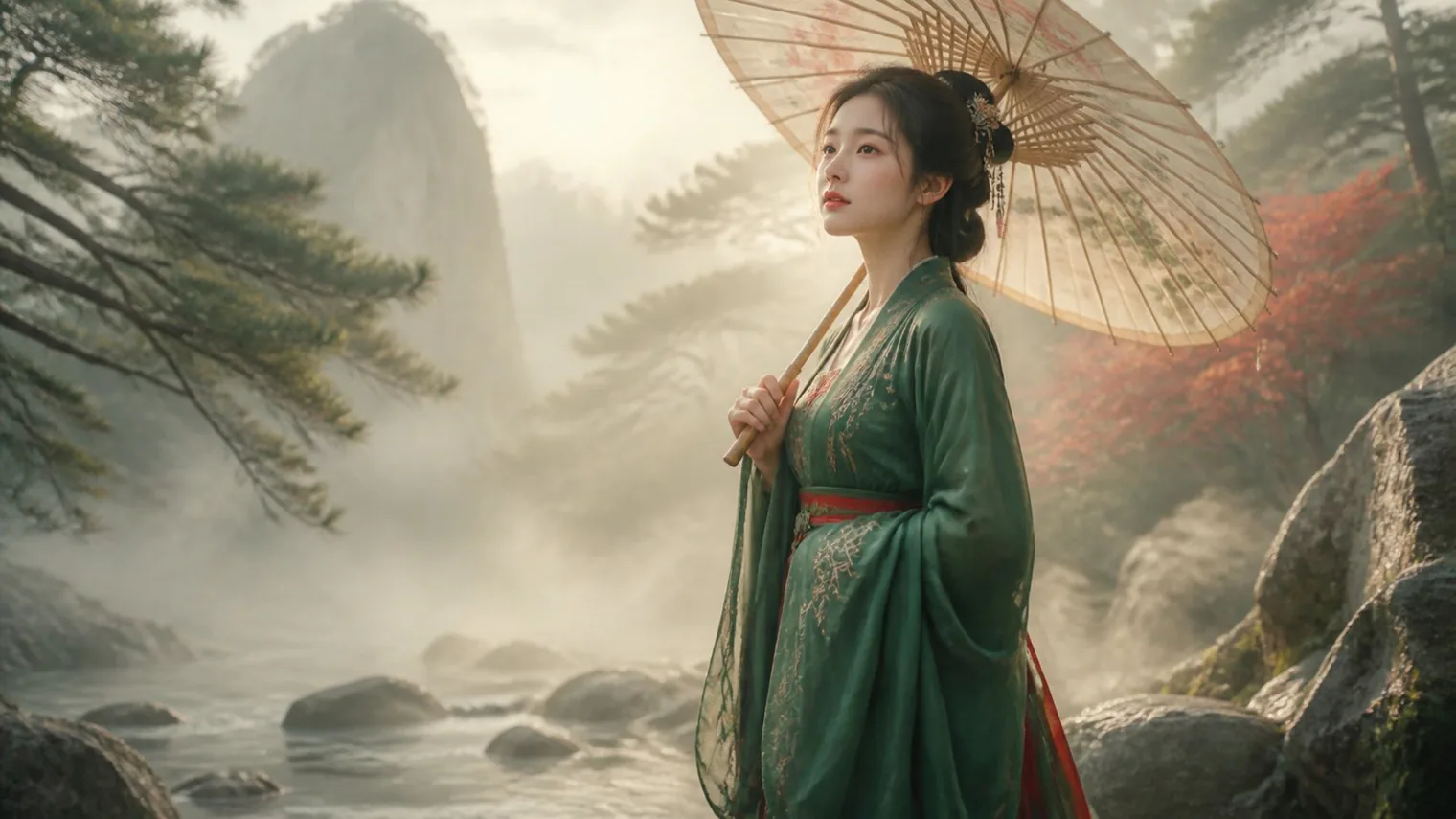
Simple: “A woman in hanfu in the mountains.” It has a subject, but lacks environment, action, composition, and light. A more actionable version is:
The subject is the young woman in emerald-green hanfu; the environment is a misty mountain stream; the action is holding an umbrella; the composition is a medium three-quarter portrait from a low angle; the light is diffused morning gold; constraints exclude text and watermarks.
Other model comparisons: same theme, same prompt
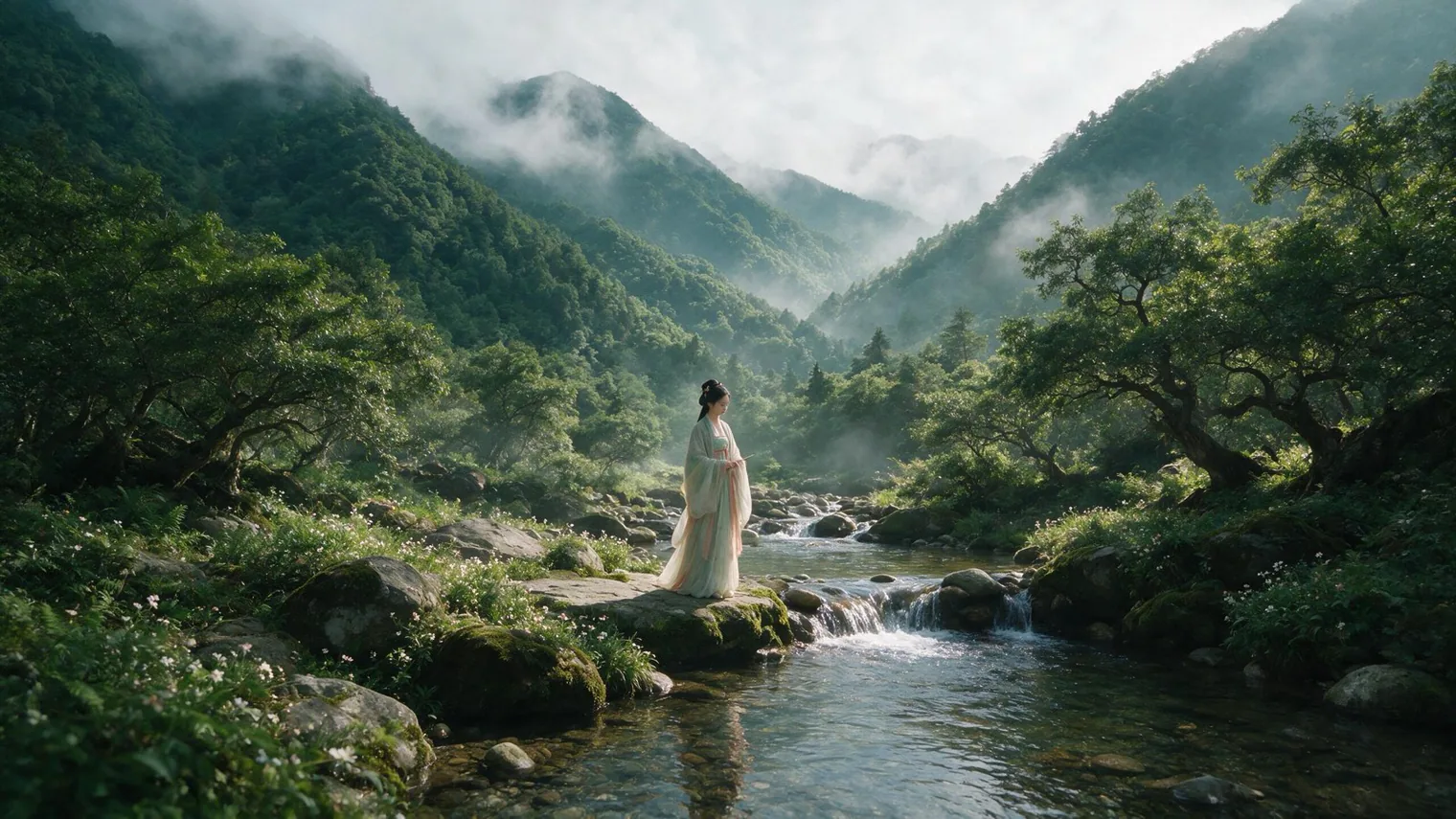
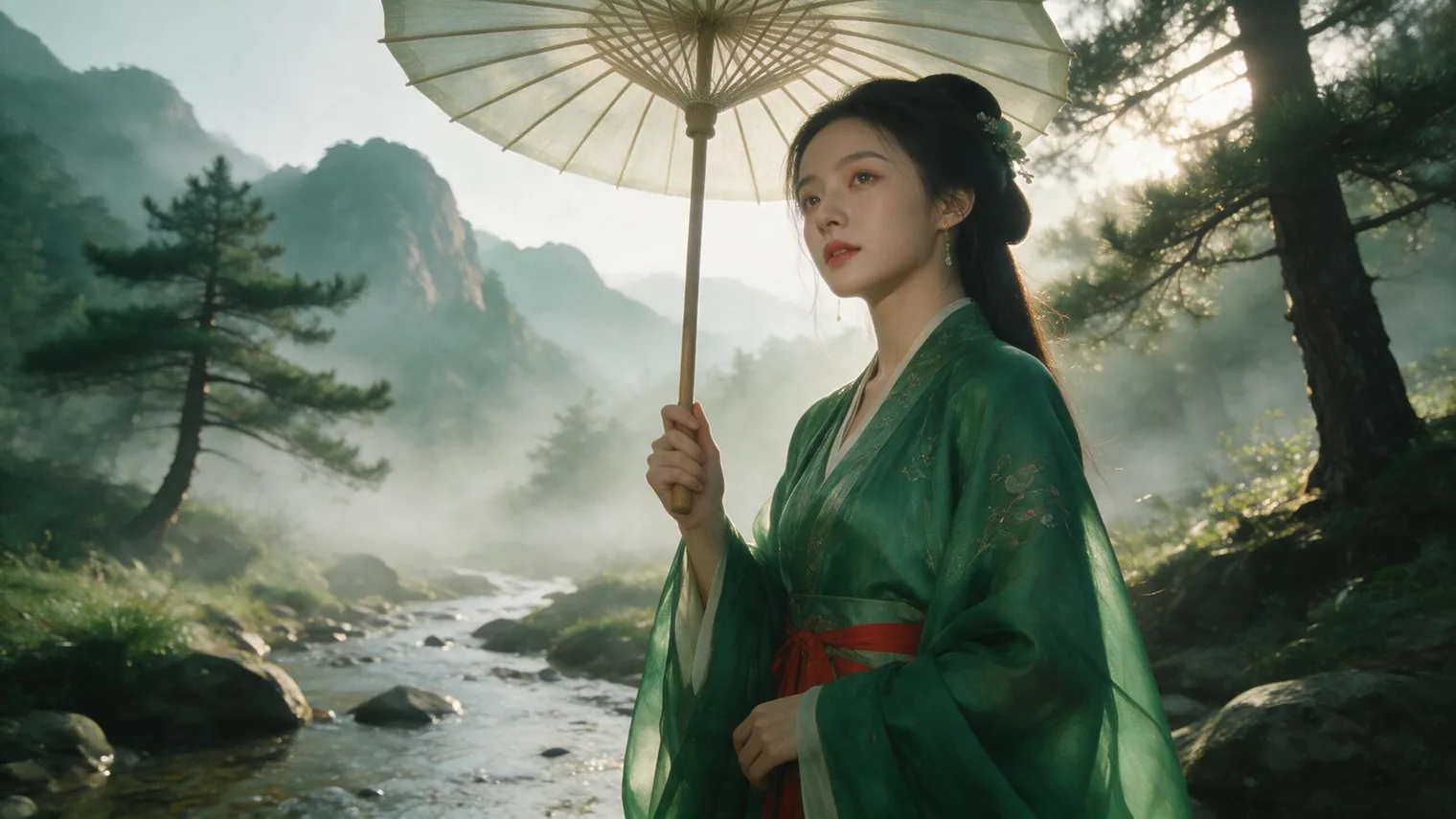
These images show how the same subject differs across models. They are not a controlled benchmark; a formal comparison should fix model version, aspect ratio, resolution, count, and generation time.
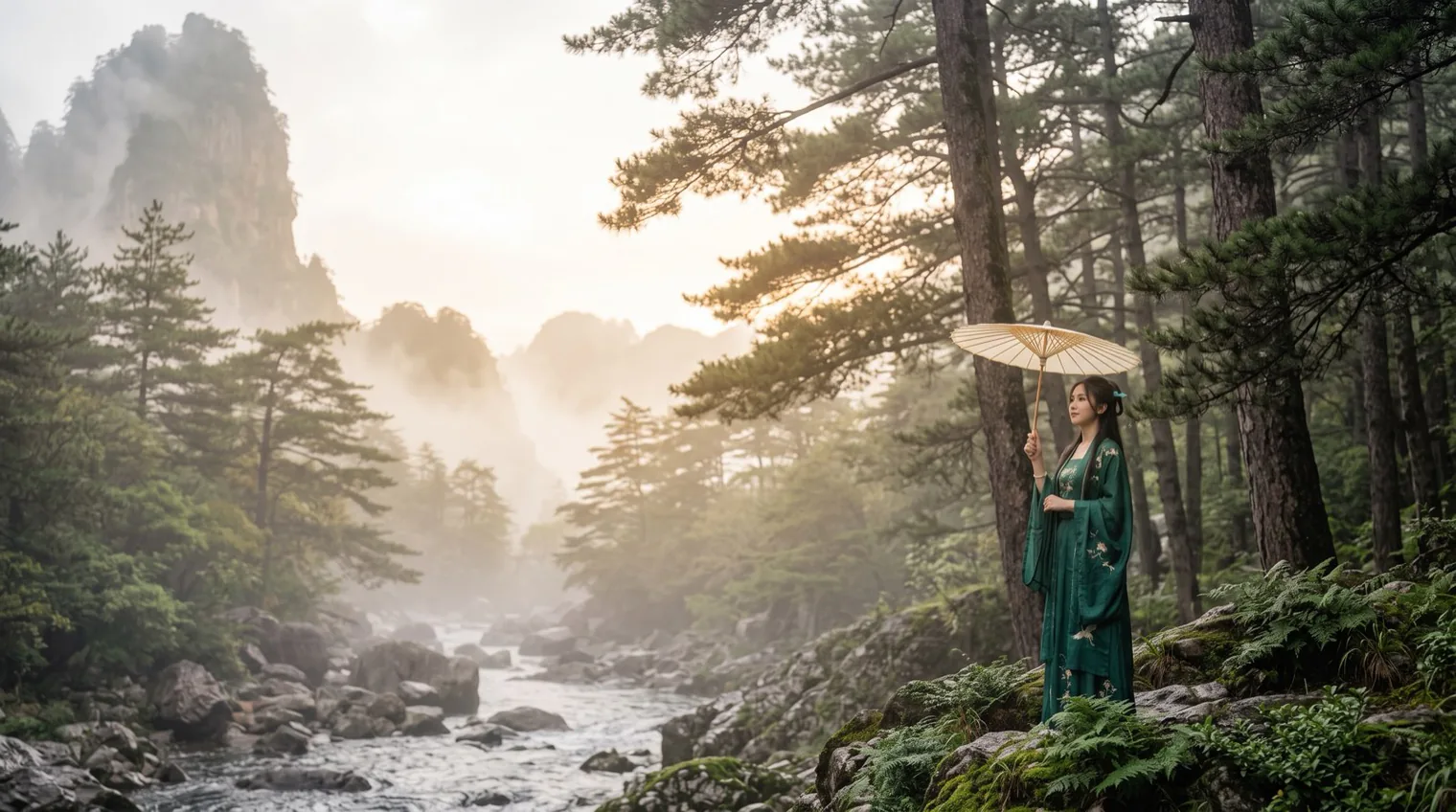
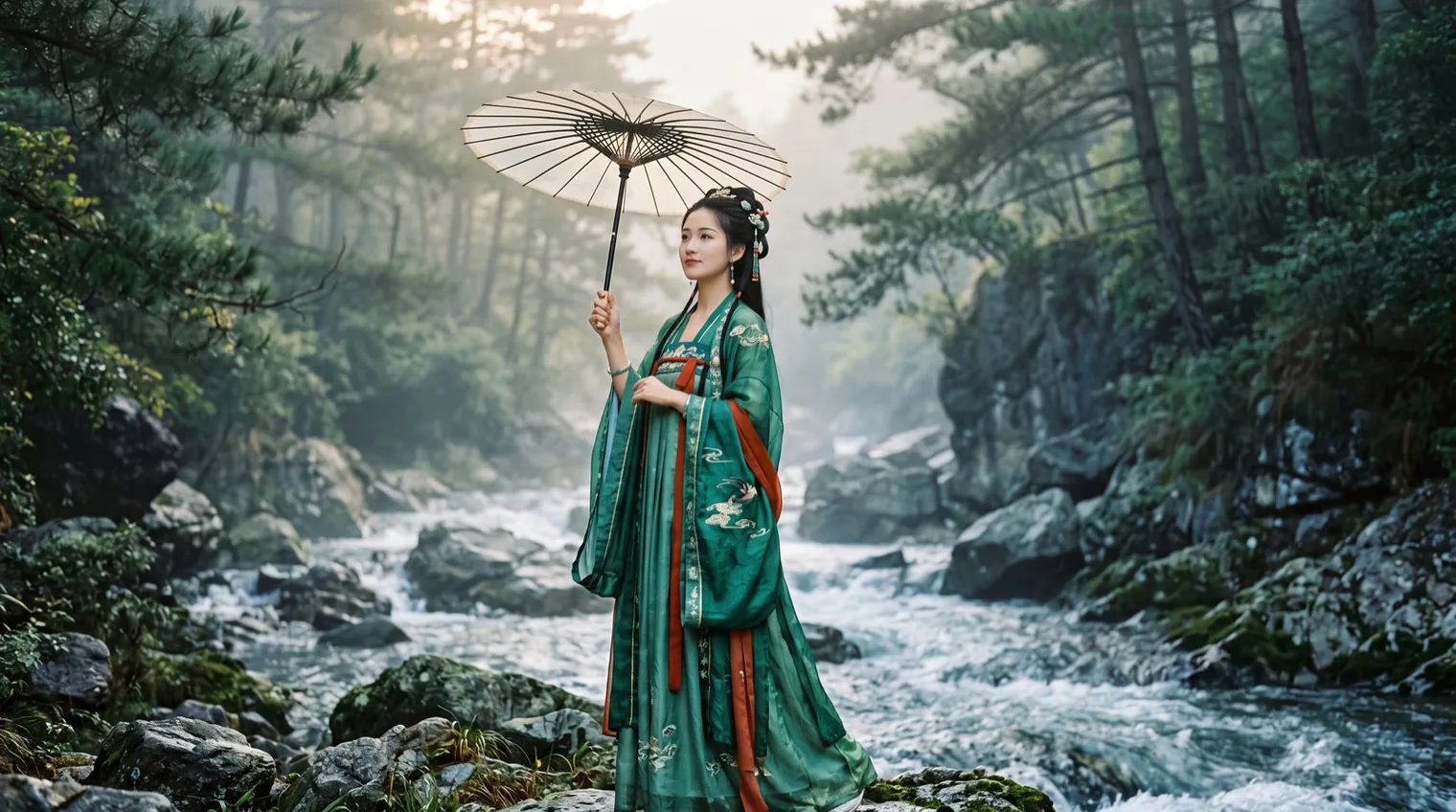
Positive and negative prompts
Positive prompts describe what you want to see. Negative prompts describe what you want to reduce, such as blur, extra fingers, duplicate subjects, or watermarks.
Negative prompts are not supported identically across models. Stable Diffusion workflows often expose a separate field, while other tools may rely on natural-language constraints or model-specific parameters.
Composition, lighting, and style keywords
Composition and camera
eye-level shot · low-angle shot · high-angle shot · bird’s-eye view · three-quarter view · rule of thirds · centered composition · leading lines · negative space · foreground framing · layered composition
Lighting
soft diffused light · hard sunlight · golden hour light · blue hour light · backlighting · rim light · side lighting · Rembrandt lighting · chiaroscuro · volumetric light · window light · dappled sunlight
Style
photorealistic · documentary photography · 35mm film photography · subtle film grain · anime illustration · clean line art · ink wash painting · gongbi details · cinematic composition · controlled color grading
Prompting is model-specific
The general natural-language framework transfers, but syntax and controls differ. GPT Image favors clear natural-language instructions and edit boundaries; Imagen emphasizes subject, context, style, and meaningful modifiers; Firefly provides a structured formula; Midjourney has platform-specific parameters; FLUX and Stable Diffusion workflows may add weights, LoRA, ControlNet, and negative-prompt fields.
Common mistakes
- Relying on abstract adjectives such as beautiful or high quality.
- Combining conflicting shot scales such as close-up, full body, and wide shot.
- Stacking conflicting visual media and styles.
- Changing too many variables at once.
- Treating negative prompts as a universal repair tool.
How to test and optimize a prompt
Keep the model, version, aspect ratio, resolution, references, and number of generations fixed. Change one variable at a time, save outputs, and record failure reasons. A structured test log makes future comparisons reproducible.
Record generation settings separately from the text prompt. Aspect ratio changes composition space; resolution affects detail and cost; image count affects selection. Common ratios include 1:1, 4:5, 3:4, 16:9, and 9:16. Track standard, 2K, or 4K output, image count, stability, failure rate, and average generation time.
Sources and official guides
- OpenAI Academy:Creating images with ChatGPT
- Google AI for Developers:Imagen Prompt Guide
- Adobe:Firefly Image Prompting & Controls Guide
- Midjourney 官方文档
- CHI 2022:Design Guidelines for Prompt Engineering Text-to-Image Generative Models
- A Taxonomy of Prompt Modifiers for Text-to-Image Generation
- EMNLP 2024:Words Worth a Thousand Pictures
FAQ
Is a longer prompt always better?
No. Clarity, specificity, and consistency matter more than length.
Should a still-image prompt include camera movement?
A still image can use camera position, shot scale, and lens language. Dolly, pan, orbit, and tracking are primarily video concepts.
Should prompts be written in Chinese or English?
It depends on the model. Use the language the model handles best, and test equivalent Chinese and English prompts on a small fixed set.
Continue with the complete GPT Image 2 guide covering model strengths, official access, pricing, image editing, and prompt comparisons.